


AI audio description generators: what they cost, what they claim, and where they fail
AI audio description costs about a dollar a minute, and vendors call it compliant. What the rules require, what it costs, where it fails, and what to demand.
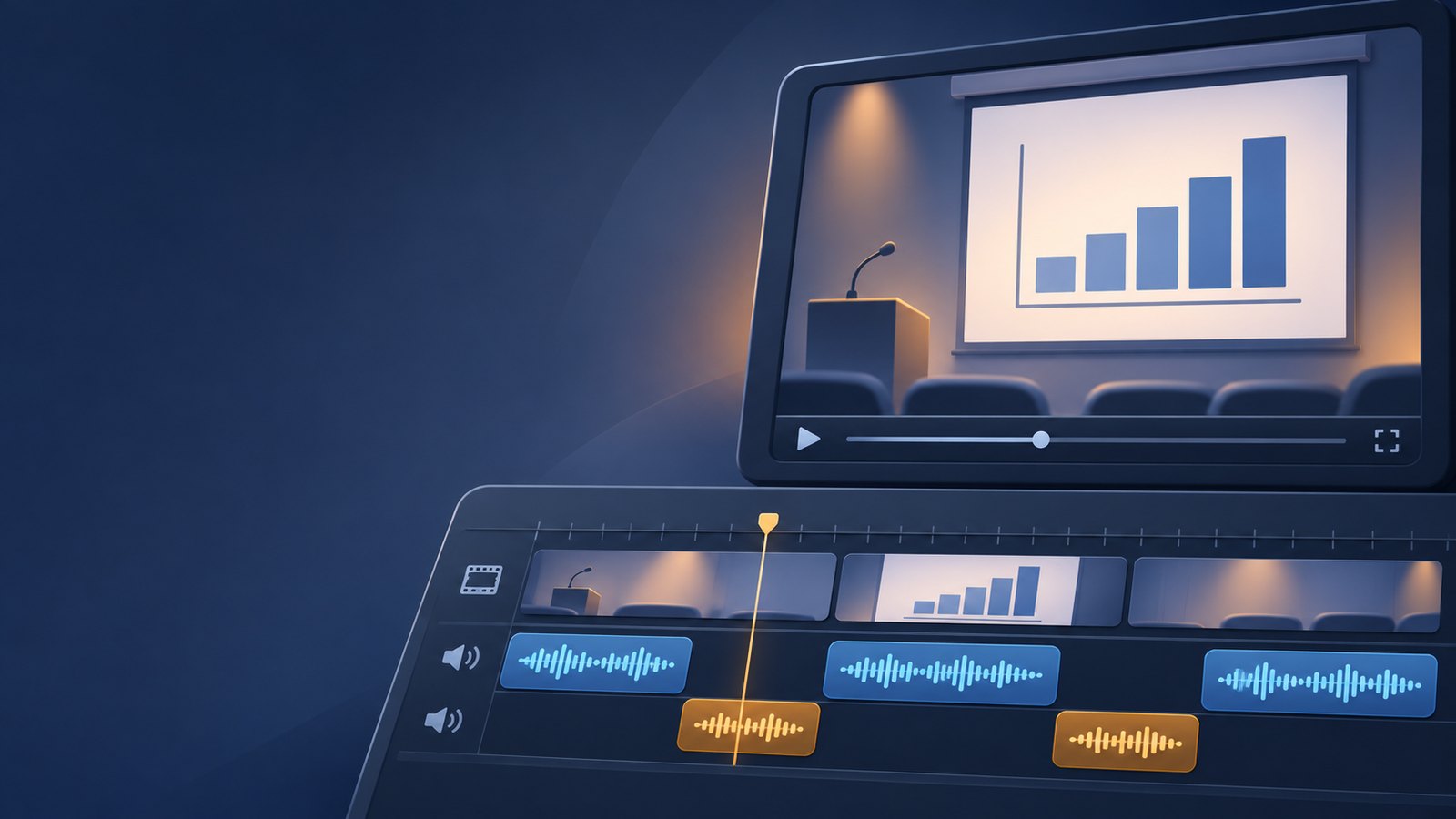
Audio description is the narration that tells a blind or low-vision viewer what is on screen when nobody says it out loud: the name on the lower third, the chart on the slide, the person who walks in and sits down. For most of its history it was written and voiced by trained people, and it cost $15 to $30 or more per finished minute.
That changed in about eighteen months. Now nearly every video platform and captioning vendor sells "AI audio description" for around a dollar a minute. Public institutions are buying it in bulk, because the ADA Title II web rule puts audio description inside the standard they must meet.
I make video for a living, and I wanted to know what these products actually deliver. So I read the vendor pages, read the research, and built my own tool to find out where the hard parts are. This is what I found.
When audio description is required
The ADA Title II web rule requires state and local governments, including public universities, to meet WCAG 2.1 Level AA. In April 2026 the Justice Department moved the deadlines back one year. Governments that serve 50,000 or more people now have until April 26, 2027. Smaller governments and special districts have until April 26, 2028. The technical standard did not change.
Inside WCAG 2.1, three success criteria matter for audio description:
| Criterion | Level | What it asks |
|---|---|---|
| 1.2.3 Audio description or media alternative | A | Audio description or a full text alternative |
| 1.2.5 Audio description (prerecorded) | AA | Audio description for prerecorded video. A transcript is not enough. |
| 1.2.7 Extended audio description | AAA | Pause the video when the gaps are too short. Not required at AA. |
Two details get lost in the sales pitch:
- Not every video needs description. W3C's own guidance says that if the soundtrack already carries all the important visual information, no description is needed. A talking head who says everything they show is a real case. The honest answer for that video is "none needed", with a record of who decided and when.
- Buying a vendor does not move the obligation. The organization that publishes the video stays responsible for it. A vendor's "compliant" badge is a marketing claim about a product. Conformance is a property of the finished video.
What the vendors sell, and what it costs
Prices below are what the vendors or their university customers published when I checked in November 2026. They change often, so check the live page before you rely on one.
| Option | What you get | Published price |
|---|---|---|
| 3Play Media | AI script and synthetic voice, standard and extended, optional human review | About $0.90 to $1.50 per minute on university pages; list prices not published |
| Wistia | AI standard or extended, ordered inside the player | $1.00 per minute standard, $1.50 extended. Human-written: $8 and $12 per minute |
| Kaltura, Panopto, YuJa | AI description inside the campus video platform | Credits per minute; the dollar value is in your contract |
| Verbit | AI and human description, English and Spanish | Quote only |
| ViddyScribe | AI description as a subscription | From about $100 a month for 50 minutes |
| Accessly | Consumer web app | $14.99 a month for up to 30 videos of 8 minutes each |
| Human description services | Script written and voiced by trained describers | Roughly $15 to $30 or more per minute |
So for a department with a backlog of 1,000 minutes of video, the AI tiers come to about $900 to $1,500, plus whatever time staff spend checking the output. The human tier comes to $15,000 or more.
The AI tiers are cheap for a reason: the AI does the writing, and the checking is left to you. That is a fair trade if you can see what you are checking. Here is what I could not find on any of those pages:
- A method behind "compliant". Several vendors say their output "meets" or "guarantees" WCAG or ADA compliance. None that I found explains how that was tested, on what videos, or by whom.
- A definition of "expert reviewed". Who the reviewers are, how much of each file they watch, and what training they have is not stated anywhere I looked.
- The numbers behind "predicted accuracy" or "95% accuracy". No test set, no method.
- Why a given line says what it says. No product page shows what a line was based on, or why a line needs a person's attention.
Where AI description fails
Independent research on this is thin, and almost all of it tests the underlying AI models on short clips, not the commercial products. But the studies point the same way:
- Over-description. The AI describes too much, repeats what the dialogue already said, and uses the same wording over and over.
- Talking over sound. A pause in speech is not always a quiet moment. Music, sound effects and important audio get narrated over.
- Wrong people and invented details. Studies with blind and low-vision viewers report misidentified people and objects that were not there. The output reads fluently, which makes the errors harder to notice.
- On-screen text skipped. Short outputs say "text appears on screen" without reading it. For lecture video, the slide text is often the whole point.
- "Good" is not "excellent". The ADx3 study (February 2026) found that with tailored prompts, AI produces good descriptions that meet basic standards, but excellent ones still need human edits.
The research also has hopeful findings. With good description guidelines, AI output has scored close to trained human describers on some content. A May 2026 study of novice describers found that good AI drafts cut their editing time by more than half. Weak drafts helped much less, and the more visually complex the video, the better the draft had to be.
Blind audiences in these studies generally welcome AI description when it means more video gets described at all. Every study I read still says a person has to check it. So the real question for any of these tools is not "is the AI good enough". It is how much the tool helps the person who has to check it.
What to demand from any audio description tool
If you are buying, or choosing a tool for your team, ask for these. They separate a tool you can stand behind from a badge:
- Show me why each line says what it says. A reviewer should never have to take a line on faith.
- Show me where to look first. A 30-minute video has hundreds of decisions. The tool should rank them, so the reviewer's time goes to the risky ones.
- Never name people from their faces. Names should come only from what is said, shown, or supplied by you.
- Let "no description needed" be an answer, and record who decided it.
- Give me a record of the review: what was checked, what was decided, by whom, and when. That record is what you show when someone asks.
- Let me keep my video and my files. Plain files that work in any player, with no lock-in to one platform.
- Tell me the cost before it runs.
What I am building
I built a tool that does all seven. It is an audio description studio for teams with a backlog: it drafts the description, shows the reviewer the evidence for each line, and puts the riskiest lines first. It produces the described video, captions, a transcript and a review record. You can use your own AI account, or run it entirely on your own computer, so your video does not have to leave your hands. The cost for a typical video is a few cents a minute instead of a dollar.
What it does not do: it does not make your video compliant, and it does not replace listening to the result. For a dramatic film, a legally sensitive video, or a response to a complaint, pay trained describers. For the long tail of lectures, explainers and event recordings that nobody will ever pay $20 a minute to describe, I think a transparent tool and an informed reviewer can do honest work.
It is not available yet. It works on my own videos today, and I am turning it into an app that runs in any browser, on a phone, tablet or desktop.
Sources
- W3C, Understanding SC 1.2.5: Audio Description (Prerecorded)
- W3C, Understanding SC 1.2.7: Extended Audio Description (Prerecorded)
- W3C, Description of Visual Information
- U.S. Department of Justice, Fact sheet: ADA Title II web and mobile accessibility rule
- Reed Smith, DOJ extends digital accessibility compliance dates under Title II (April 2026)
- Vendor pages, read November 2026: 3Play Media, Verbit, Accessly, University of Michigan on Kaltura AI description
- Do et al., "ADx3: A Collaborative Workflow for High-Quality Accessible Audio Description", arXiv 2602.02684 (February 2026)
- Do et al., "How Do Novice Describers Edit AI Drafts?", arXiv 2605.05348 (May 2026)
- VideoA11y, CHI 2025: AI description with curated guidelines, rated by 40 blind and low-vision viewers
- RNIB and University of Surrey (2025): AI description of BBC factual programmes


© 2023 by Al B. Goldin